Left/right audio imbalance or a missing channel: a diagnostic guide
Diagnose a quiet side, missing channel, misplaced content or phase clues with L/R views, level measurements and mono checks with explicit limits.
Separate file problems from playback problems
Do not reach for pan first. A partly inserted plug, adapter, playback port, system balance or failed speaker can mimic a broken file.
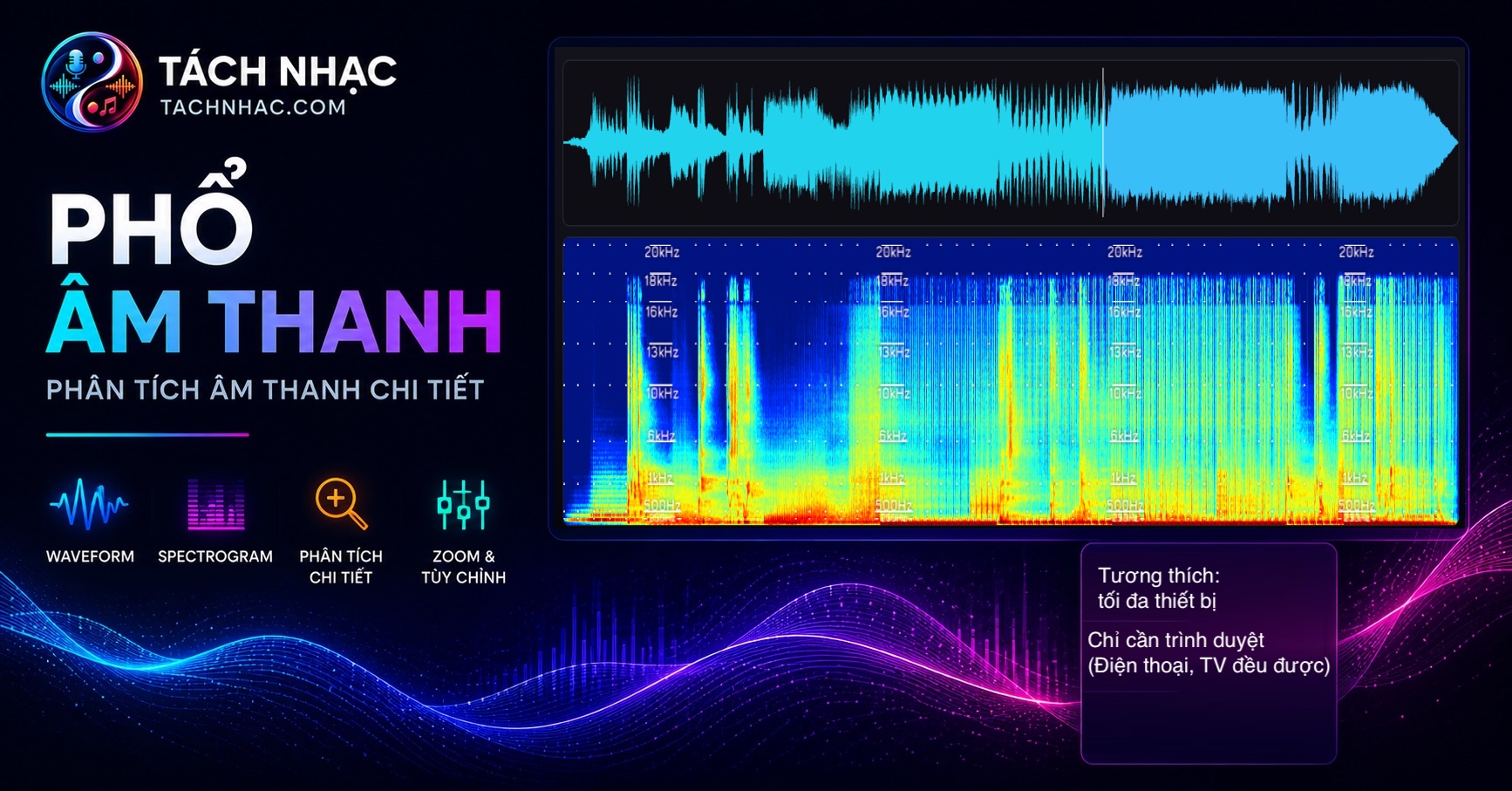
Test another playback path, swap earpieces when possible, then open the L/R spectrogram. If file images and meters are balanced but one path is not, inspect hardware and playback settings.
Change one variable at a time: file, device, headphones, then project.
Classify the symptom
| Symptom | What L/R may show | What to inspect |
|---|---|---|
| One side missing | A channel blank for all or part of the timeline | Mute, hard pan, mapping, cable or source channel |
| One side quieter | Lower brightness across all or selected frequencies | Automation, EQ, recording balance, playback path |
| Content on one side only | Its structure appears only in one channel | Intentional pan, routing or source asymmetry |
| Wide in stereo, weak in mono | Similar magnitude can coexist with a changed mono sum | Phase, delay or stereo processing; separate views cannot confirm |
| Wrong only after export | Deliverable differs from source by channel or region | Preset, bus, map, codec or video muxing |
Diagnose from fast to conclusive
- Confirm on two playback paths.
- Solo L and R in the final file and note affected times.
- Use one colour scale to separate broadband from frequency-limited imbalance.
- Measure per-channel peak and average level.
- Listen to mono; inspect correlation and waveforms if content drops.
- Compare against the pre-encode source, fix the responsible stage and render again.
See it live: comparing L and R
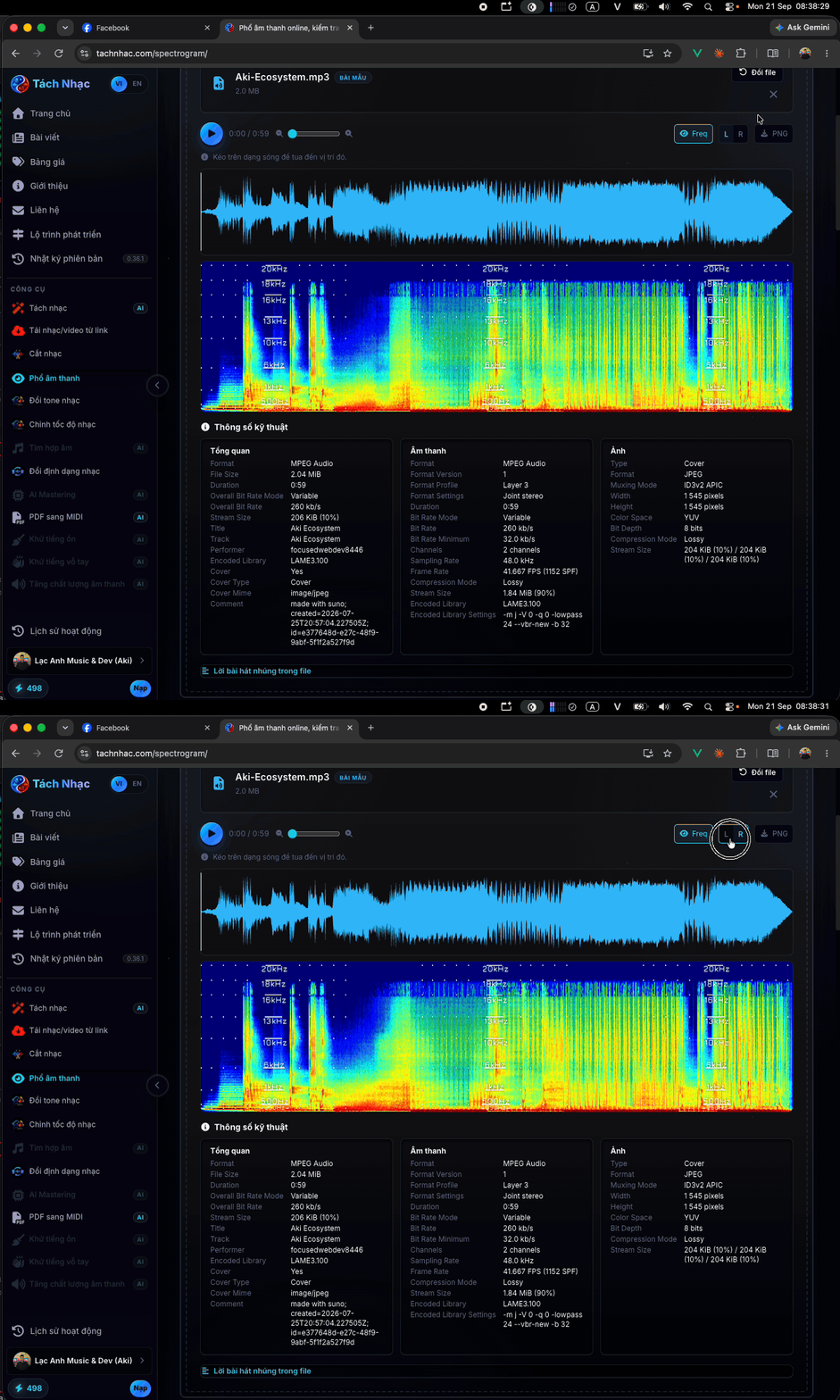
The animation below swaps the left and right channels over the same passage. It makes a weak, blank or asymmetric side quick to spot before you measure with meters.
Phase and polarity are clues, not a verdict
A magnitude spectrogram shows energy over time and frequency, not the L/R phase relationship. Channels can look alike even when one has inverted polarity and cancels in mono.
Unusual width or missing mono content justifies correlation, vectorscope, waveform and mono-sum checks. It does not prove a phase fault. Polarity inversion also differs from frequency-dependent phase shift.
Do not declare “out of phase” from separate L/R magnitude spectrograms; they omit information required for that conclusion.
How to fix it by root cause: device, mix, or export
If both sides appear duplicated, follow the mono-versus-stereo check first.
- Playback: balance, ports, cables and devices.
- Recording: microphones, preamps, connections and source channels.
- Mix: pan, automation, stereo plug-ins and buses.
- Export: mapping, downmix, interleaved/split settings and video encoding.
- Do not add widening merely to make a correct mono source look stereo.
Primary sources
Does an L/R spectrogram measure which side is louder?
It supports visual comparison on a shared scale but does not replace per-channel peak, RMS or loudness meters.
Why can mono lose content that sounds fine in stereo?
Inter-channel phase interaction may cancel during summing. Confirm with mono sum, correlation and waveforms.
Is a missing side always a file problem?
No. Headphones, cables, adapters, ports and device balance can create the same symptom.
Why do I hear only one side on headphones when speakers sound fine?
Usually the playback path, not the file: a partly inserted plug, a failing earpiece, or a left/right balance setting on the device. Test the file on another path and check the L/R spectrogram before concluding the file is faulty.